MOverlay
A downloadable tool for Windows and Linux
Pitch
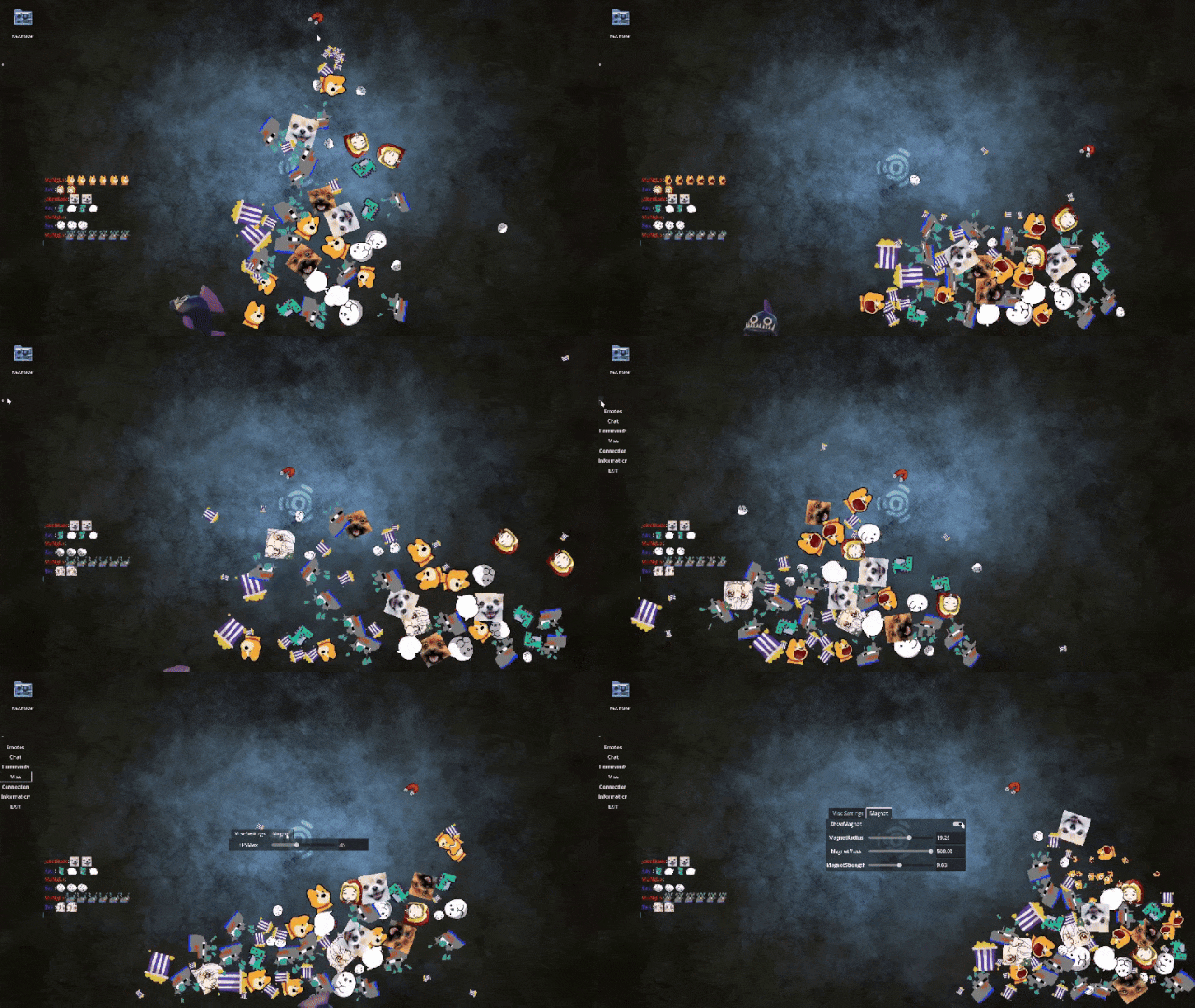
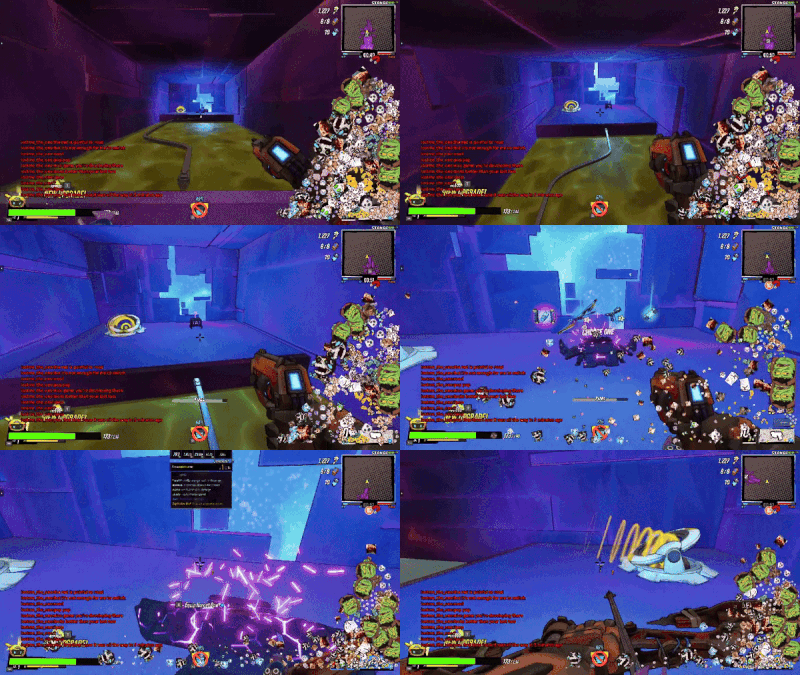
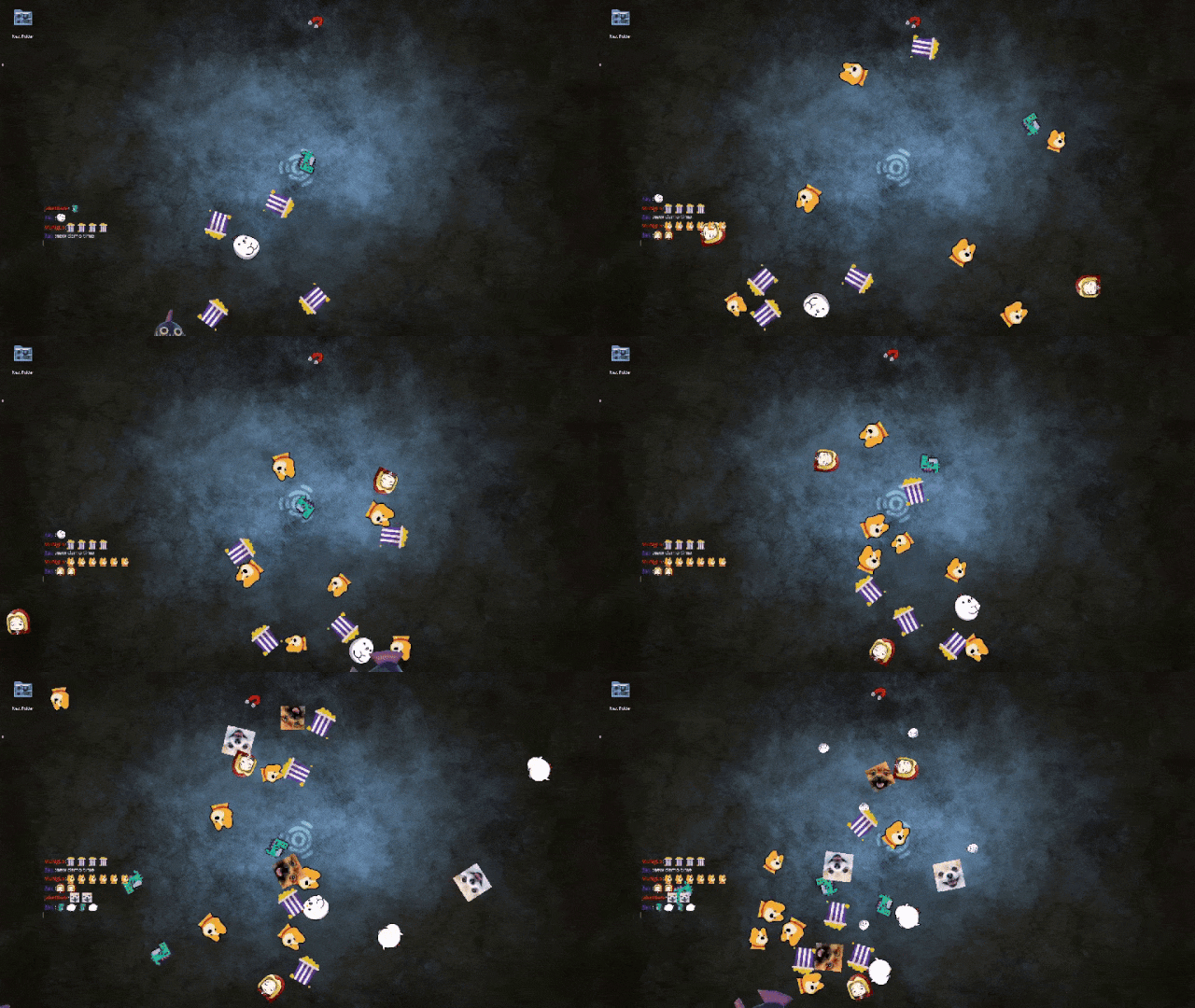
Have you ever wanted Twitch chat to be able to spawn emotes on your desktop as clickable, interactive objects bouncing around. Emotes that react to chat,raids,shoutouts,subs,follows and so on.
Well look no further. This is it.
How to use
After launch and accepting the authorization (it will open a page in a browser on same computer) there will be a small + left side of the screen. Click it to open the overlay menu. There you can change settings until happy.
While menu is open the click pass through is disabled.
Version v1.0 introduces support for plugins written in lua. Barebone for now so if it interests you. Drop me info on what you want/need to be exposed to lua.
Issues
Occasionally launches with a black solid background instead of transparency on Windows. Restarting might work for some, A better fix will be to change the render mode. There are issues with Vulkan and transparency on windows. To change the renderer, launch the overlay with launch parameter....
--rendering-driver
It will list the options for you and one of the opengl options should work, hopefully. It will probably be opengl3 or opengl3_angle
When doing the authorization the app listens for response and verification on port 8080. So make sure that port is free when doing the authorization step.
After launching, check connection in the menu. if it isn't green and you have done the authentication step. Restart. There is some stupid code out of order so it refreshes the token but doesn't start to use it correctly on launch.
Does not work over dedicated full screen applications. Overlay itself runs as full screen border less on top. So any dedicated full screen software will not work with it.
Could clash with other windows depending on what you run.
Some note on changes
v1.1 Chat shows mentions and replies. Max Emotes allows 0 to turn emotes off. Added window settings for ontop, transparency, background color, window border. Changed how fullscreen toggle (F11 or Alt+Enter) works. Keep and split bug fixed. Animated emotes overwriting static ones in the on screen chat message.
v1.0 Small bugfixes and started adding Lua plugin support
0.9,9b Fixed issues with the export settings that could lead to issues for some
0.9.9 Added support for sound on chat message. Supports user sounds. Formats supported [ogg,mp3,wav] Authentication changes to make refresh work as intended.
0.9.8 Fixed settings not saved correctly
0.9.7 Finally got around to update it and now it is much easier to setup. This version is rough. Probably missed something. Let me know if you find anything broken or weird.
Download
Leave a comment
Log in with itch.io to leave a comment.